FlightTracker
What's that up there?

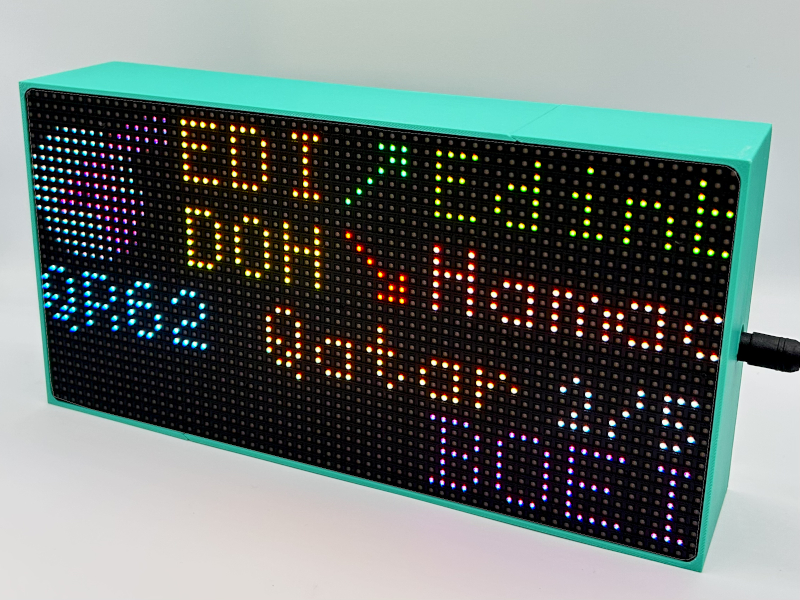
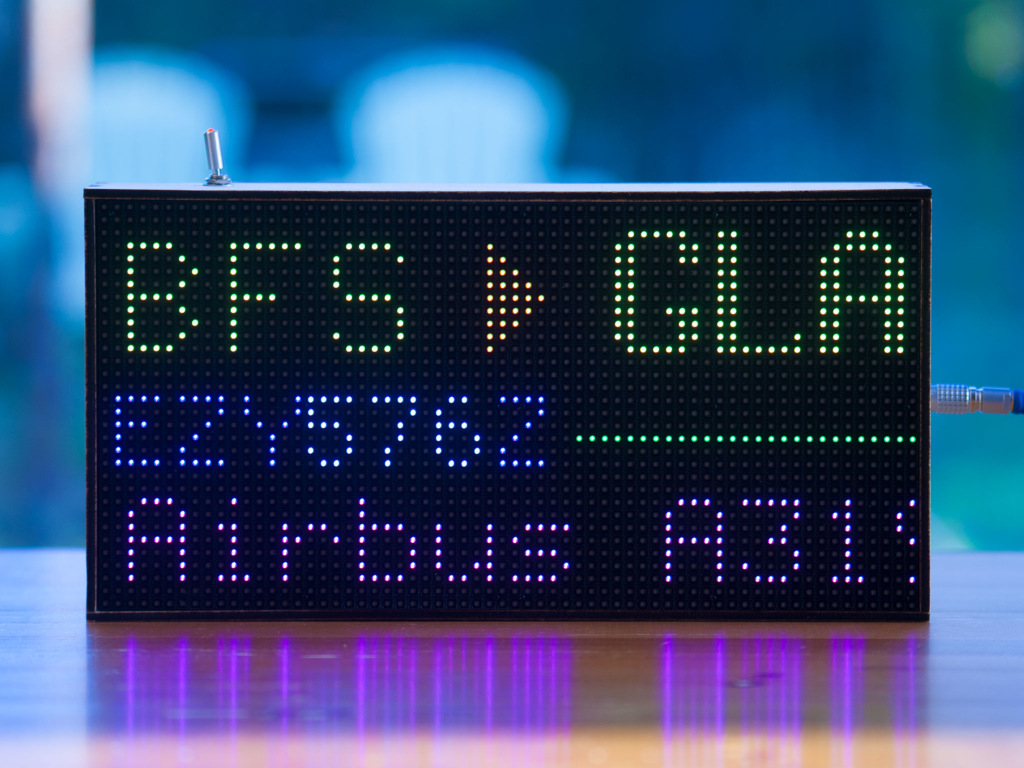
A Raspberry Pi-powered RGB LED matrix that shows you what aircraft and satellites are overhead.
FlightTracker takes live aircraft data, works out what is nearby, and displays it on a 64x32 RGB LED matrix. When there is nothing overhead, it can show the time, weather, temperature, rainfall, or satellite passes.
This site will show you what you need to build your own and get the software installed. An official 3D-printable case is also available - see the build page for details.
FlightTracker OS
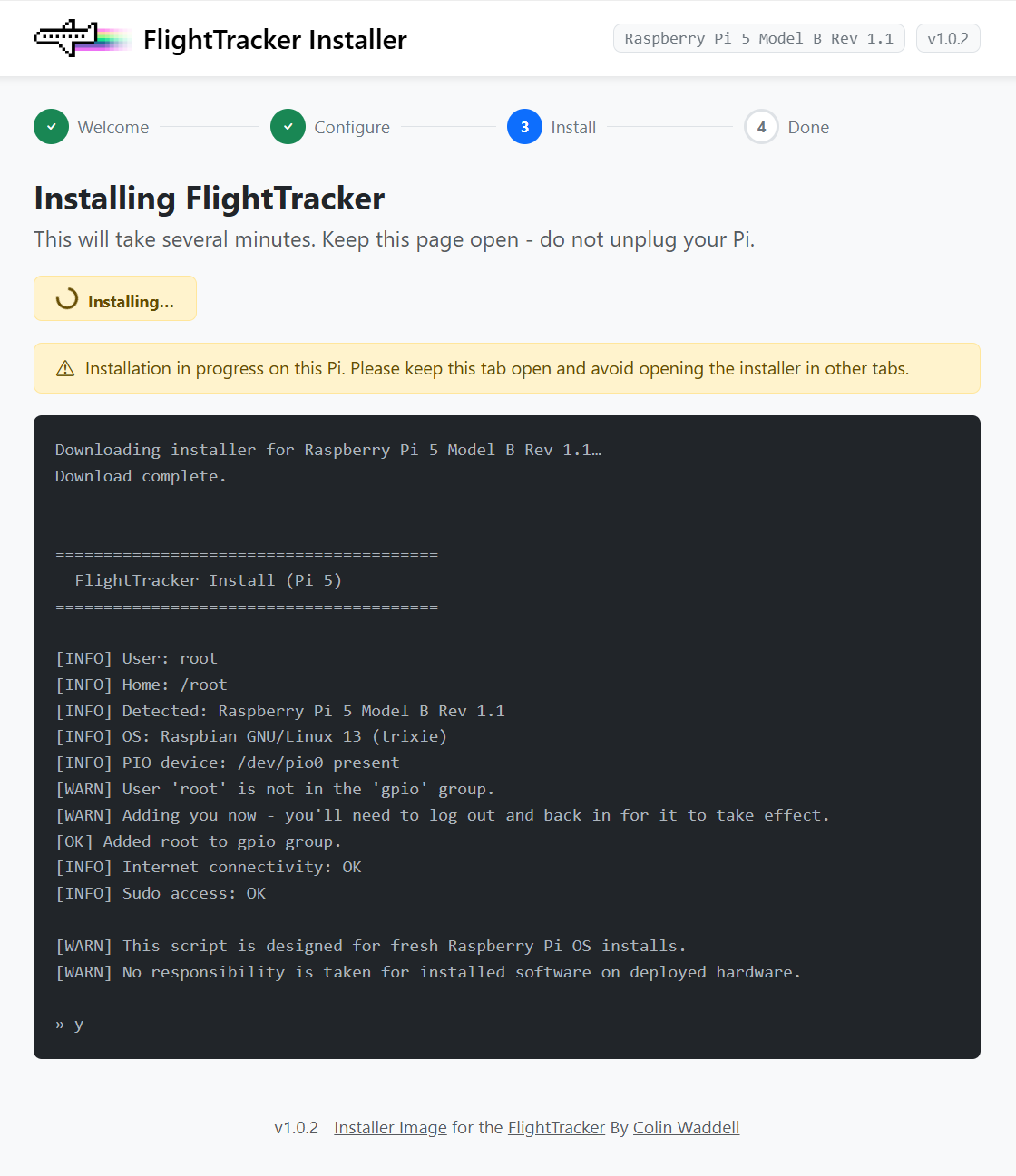
FlightTracker OS is a pre-built Raspberry Pi image that has everything installed and configured for you - no command line required.
Flash it to an SD card with Raspberry Pi Imager, set your Wi-Fi details, flash, and boot. You can then log into the web installer and finish setup from your browser.
32-bit and 64-bit images are available for Raspberry Pi 3, 4, and 5.
 Click To Install With Raspberry Pi Imager
What it does
Aircraft callsign
Aircraft type
Satellite passes
Origin and destination airports
Altitude, speed, and heading
Local time and date
Temperature and weather
Rainfall forecast
Web Interface
Display modes
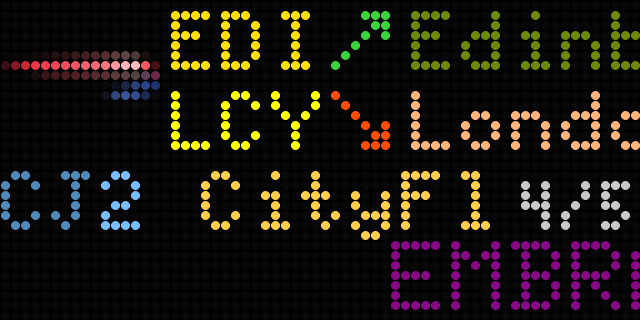
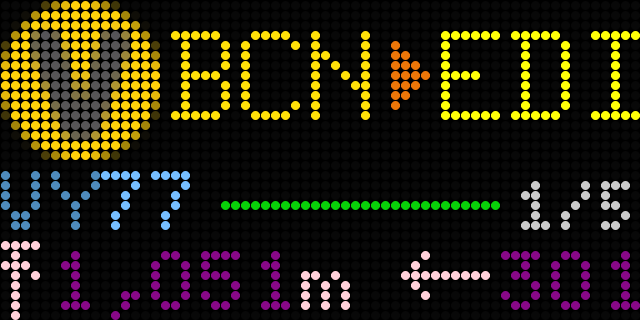
FlightTracker has a few different ways of showing aircraft information.
You can keep it simple and show the aircraft type and route, or switch to more telemetry-type data such as altitude, speed, and heading. Airport names can be shown in full or as three-letter codes along with the airline logo.
Web configuration
FlightTracker includes a built-in web interface, no need to write any code to setup or configure.
- Set your location on a map
- Choose a display theme
- Adjust brightness
- Configure flight display options
- Set airport name behaviour
- Add an OpenWeather API key
- Configure ADS-B / tar1090 settings
- View live logs
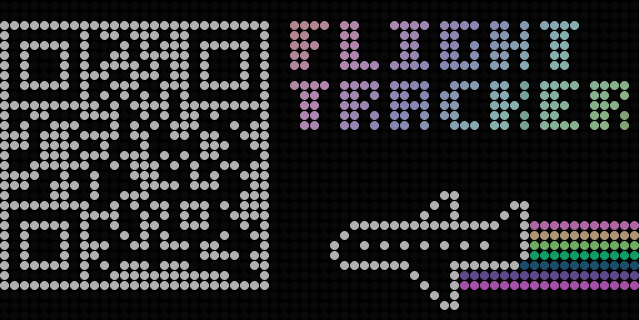
On first boot, FlightTracker shows a QR code on the matrix. Scan it with your phone and configure it from there.
Themes
The theme system covers the full display, not just a few headline colours. Flight data, weather gradients, charts, labels, and idle screens all follow the selected theme.
Default
Monochrome
Pastel
Looking for a way to contribute? I'd love some help adding new themes.
Weather and idle display
Aircraft are not always overhead.
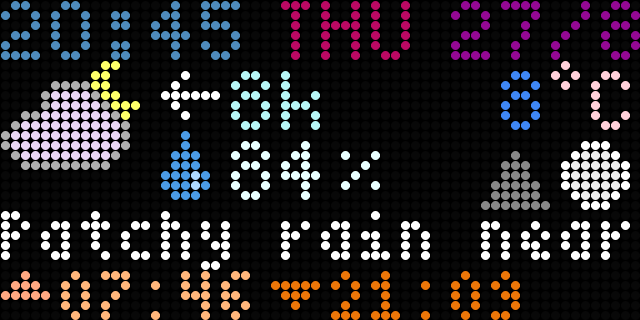
When FlightTracker has nothing useful to say about aircraft, it can show the time, date, and temperature. With an OpenWeather API key, it can also show temperature, humidity, rainfall and forecast animations.
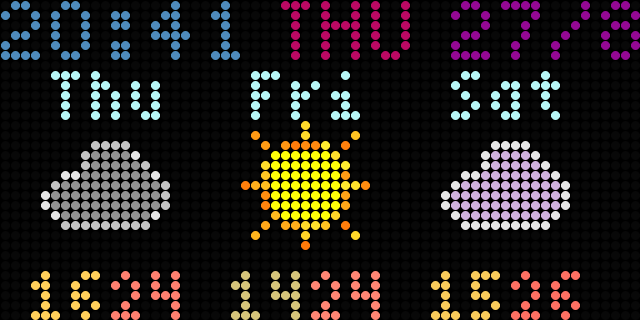
The screen can be configured to dim throughout the night or even switch off.
Satellite tracking
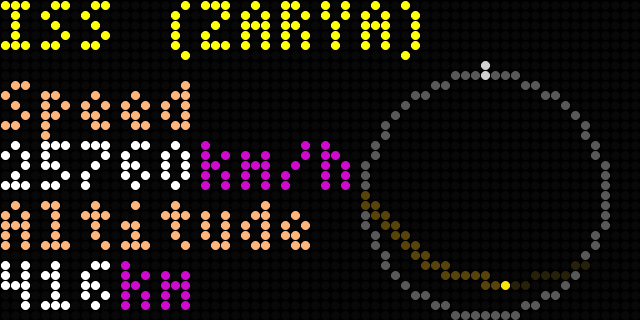
FlightTracker can also show satellite passes on an azimuth/elevation plot.
It fetches TLE data from CelesTrak and works out when satellites are overhead.
Data sources
FlightTracker mixes and matches data services. Enable any combination you like, put them in priority order, and it cascades down the chain - merging the results, falling back when a service has no answer, and quarantining anything temporarily offline.
| Provider | Flight monitoring | Routing and aircraft info | Free or paid |
|---|---|---|---|
| tar1090 / dump1090 | ✓ | — | Free (your own receiver) |
| ADS-B.fi | ✓ | — | Free |
| ADSB.lol | ✓ | — | Free |
| airplanes.live | ✓ | — | Free |
| OpenSky Network | ✓ | — | Free (account required) |
| Flight Radar 24 (Free) | ✓ | ✓ | Free (but limited) |
| Flight Radar 24 (Paid) | ✓ | ✓ | Paid (subscription) |
| hexdb.io | — | ✓ | Free |
| adsbdb.com | — | ✓ | Free |
| ADSB.im routes | — | ✓ | Free |
| AeroDataBox | — | ✓ | Free tier, then paid |
| AirLabs | — | ✓ | Free tier (1,000/month), then paid |
| FlightAware AeroAPI | — | ✓ | Paid (monthly credit) |
Weather and satellites
Weather - OpenWeather (free tier). With a free OpenWeather API key, FlightTracker shows temperature, humidity, rainfall and forecast animations on the idle screen.
Satellites - CelesTrak (free, no key). FlightTracker fetches TLE data from CelesTrak, works out when satellites are overhead, and plots their passes.
Ready to get started? Build the hardware · FlightTracker OS · Install the software · View on GitHub
